Visibility
Know what is happening without stopping the bench
Statuses and ownership reduce interruptions and stop jobs disappearing into ‘someone’s pile’.
Explore fundamentalsExplore the feature set that helps jewellery and watch workshops run cleaner workflows, reduce admin, and keep every job visible from booking jobs in to collection.
And nothing it doesn’t. Flow is built around real bench reality: packets, handovers, interruptions, trade partners and customer updates. Start with the essentials. Add structure only where it saves time.
Real outcomes that map directly to the feature areas below.
Statuses and ownership reduce interruptions and stop jobs disappearing into ‘someone’s pile’.
Explore fundamentalsKeep everything on one record so disputes are easier to resolve, conversations are clearer, and claim packs are stronger.
See uploads & historySearch or scan a QR code to open the exact job, with no folders and no panic at the counter.
See lookup toolsTemplates and message history make customer comms quick and auditable.
See communicationEarly feedback from real workshops and retail jewellers
These are the features your team will use every day. They keep repairs visible, searchable, and easy to update without disrupting bench work.
Keep the packet on the bench. Flow adds a clean digital layer so anyone can see what is happening without interrupting the jeweller.
Stop losing context across phones, inboxes and messages. Keep evidence on the job where it belongs.
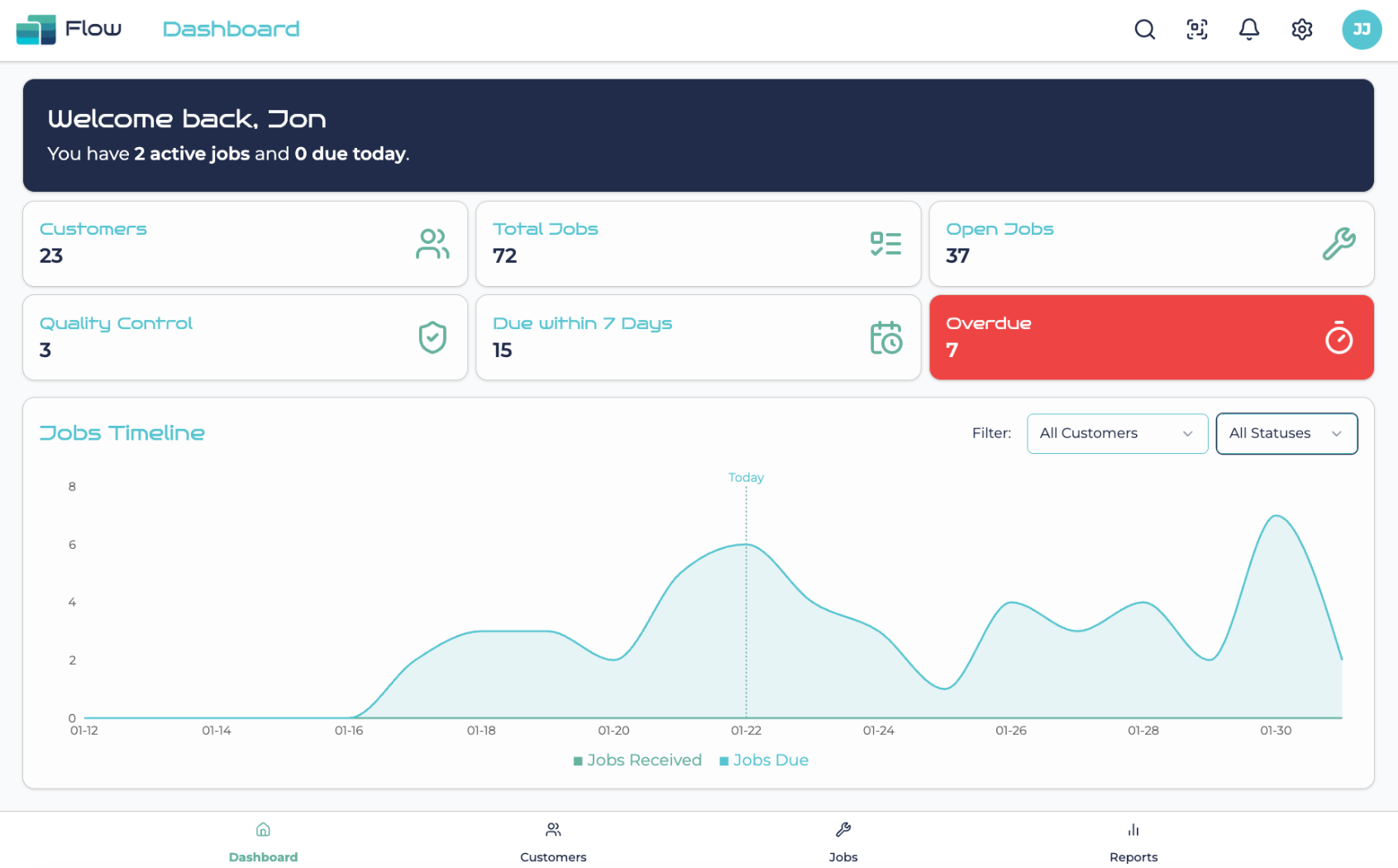
Flow shows the real state of work across bench and counter with workshop-ready statuses and clear ownership.
Search, scan, and open jobs without folders, delays, or panic at the counter.
Send SMS, email, or WhatsApp updates quickly with templates and message history saved to the job record.
Add structure where it protects the workshop: ownership, notifications, controlled sharing and permissions.
Know who owns each job and what comes next, without turning the workshop into a micromanaged system.
Tag someone and they see it instantly, tied to the exact record that needs attention.
Share jobs securely with trade partners under a Data Sharing Agreement, so collaboration stays controlled.
Track transfers and location context so nothing stalls between branches.
Control what users and partners can see, and protect customer data, pricing, and private notes by default.
These features help when volume rises, shipping increases, and admin needs more structure without adding friction.
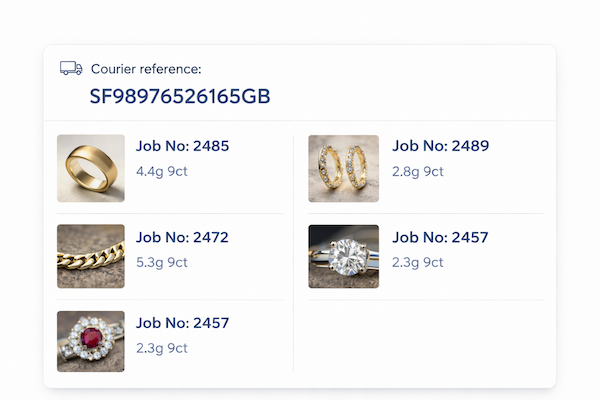
Keep shipping admin connected to the work, with tracking numbers, batch handling, and evidence in one place.
If your work is priced from a known list, Flow helps you apply prices quickly and consistently without reinventing the wheel each time.
Create clear, branded estimate emails quickly, with estimate history attached to the job record for future reference.
Clear answers to the questions workshops ask when assessing operational fit, rollout risk, and return on time.
Start setup when you are ready, or book a quick demo and we will map Flow to how your workshop actually works.
We use essential cookies to make the website work and optional analytics cookies to improve it. You can accept, reject, or customise analytics cookies.
Read our Privacy Policy.